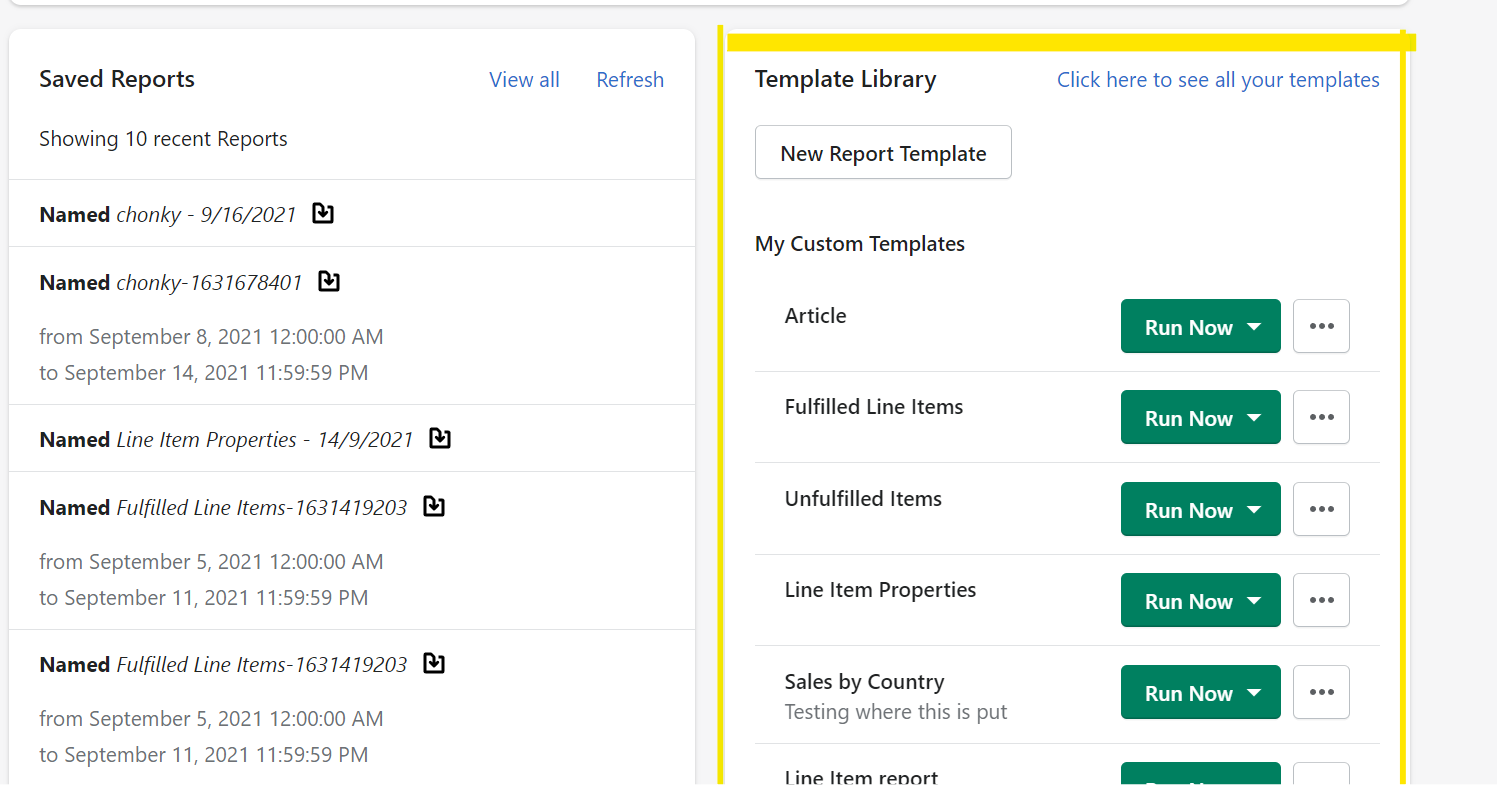
The Template Library contains all your custom templates, as well as helpful starter templates you can run or customize to your needs.
To create a new template, click the New Blank Template Button
The My Custom Templates folder contains all of the templates you've customized.

Run Now will run a manual report from your template. You will be prompted for a report name and for any filter values, like a date range

Download Reports will show any reports that have already been generated from this template
Customize will launch the template editor
The trash can icon will delete the template, removing it from your allowed template count.
Starter Templates
Starter templates are intended to help merchants with common report requests. They can be run as-is, or customized to meet your exact needs. They are organized into folders based on the type of data they contain. For example, sales reports would be under Order

Customizing a starter template will copy it into your Custom Templates folder and open the template editing screen. Starter templates can be run manually, but must be customized to schedule automatically
|
From the Home Screen, you can quickly run reports from your custom templates. You can also:
|
 |