Report filters can be used to control what data is added to your final report; it can also determine how long a report will take to generate. You can filter on any available field, and the fields don't need to be in your template, for example, you could filter on orders that ship to Quebec, even if you don't have the shipping state/province in your template.
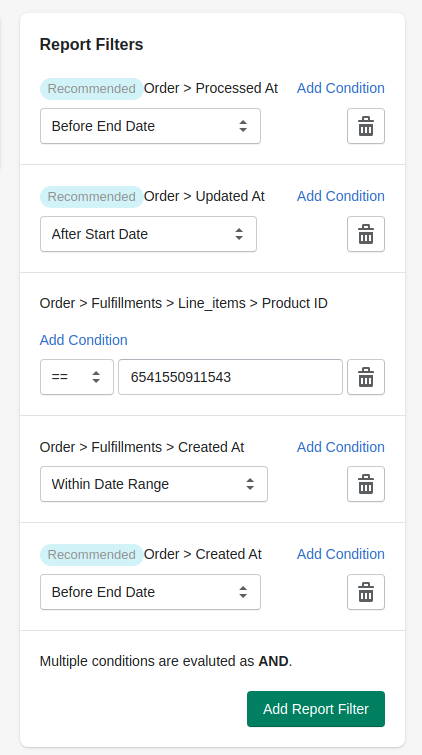
Any filters that have the "Recommended" label are filters that can be passed to Shopify meaning we have to pull less data, and you report generates faster. Any filters without this "Recommended" label require us to pull any applicable data from Shopify and filter the results on our end.
Example: You want a report showing only sales of a particular product type, and you don't have many sales for this product type, so you don't expect the report to be very big. You may use a filter like the following:
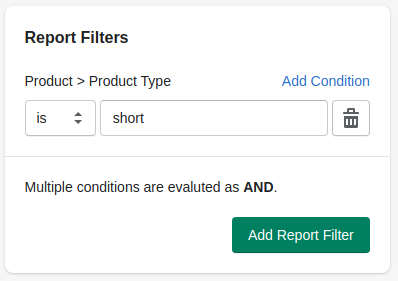
While this will give you the output that you want, to generate the report our system will need to pull all of your orders, from all time, since we can't ask Shopify for only orders that contain this product type. This could mean a much longer generation time than expected if you have hundreds of thousands of orders. In this case you may want to add some Recommended filters, like a date range filter, to limit the number of orders that need to be pulled to generate your report.