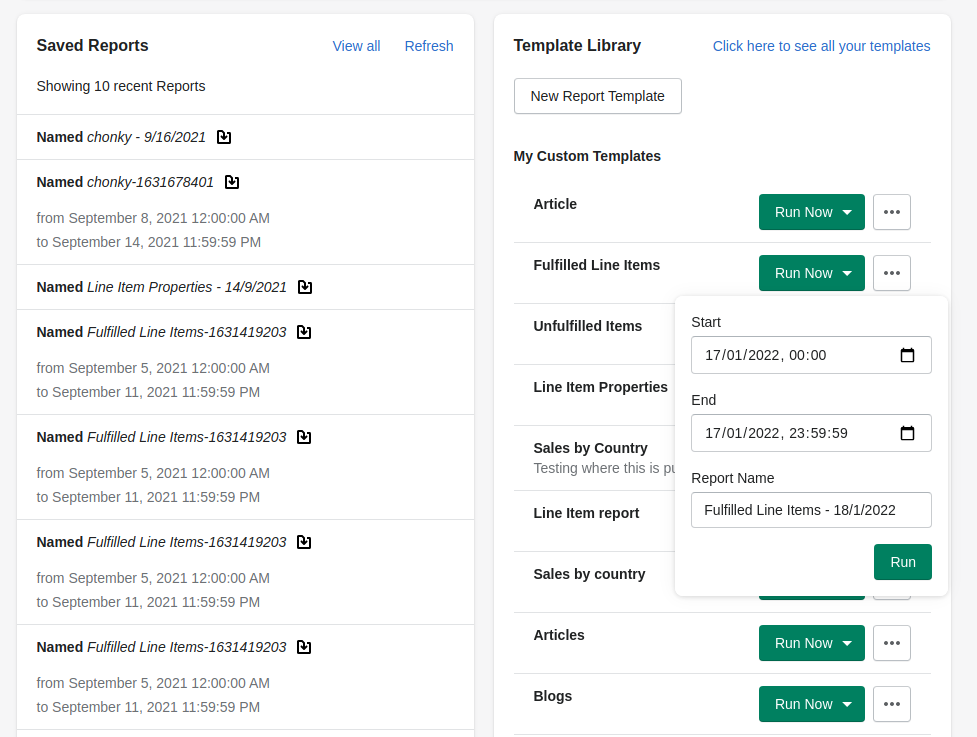
You can run your templates from the home page via the Template Library card; the 'Run Now' button will give you a popup allowing you to set your start and end dates (if applicable) and set the name of your report.
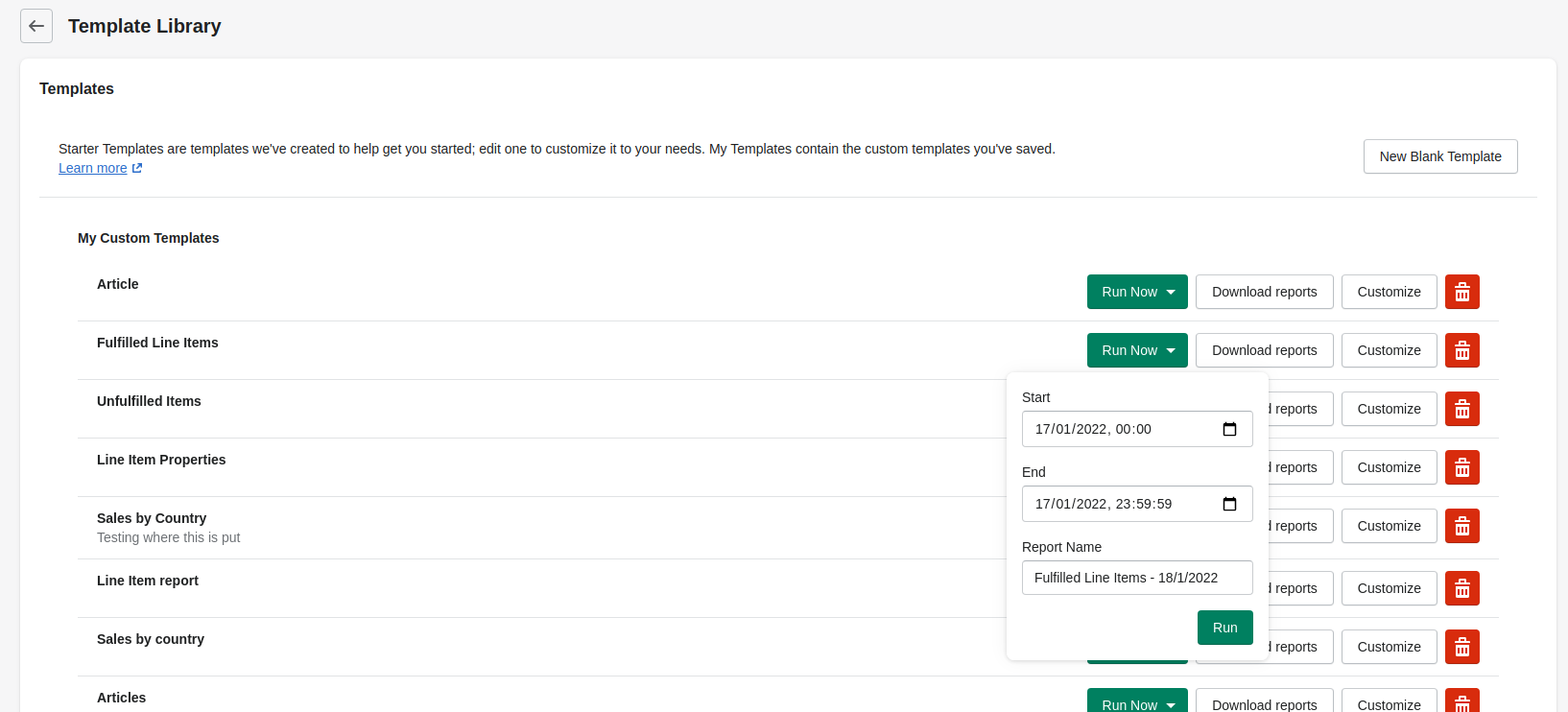
The same "Run Now" popover is available on the Template Library page.
If you don't have any date options in the "Run Now" popover but you want to limit your report to a specific date range see here to learn about handling dates.
Depending on the size of your report, and any other reports that may still be in process, your request might be put in a queue. Click here to read about Xporter's queuing system